

How to Download and Activate Your Aroma Subscription
Quick and simple steps: download the app, receive your subscription details after purchase, then log in and start watching.
Purchase and Payment
Choose the package you want, add it to the cart, and complete the payment. Payment is available via Visa / Mastercard / Mada / Apple Pay / Google Pay — and support is available to help you step by step.
Receive Your Subscription Details After Purchase
After purchase, your subscription details will be sent to your My Orders page and to your email.
Download the Appropriate App
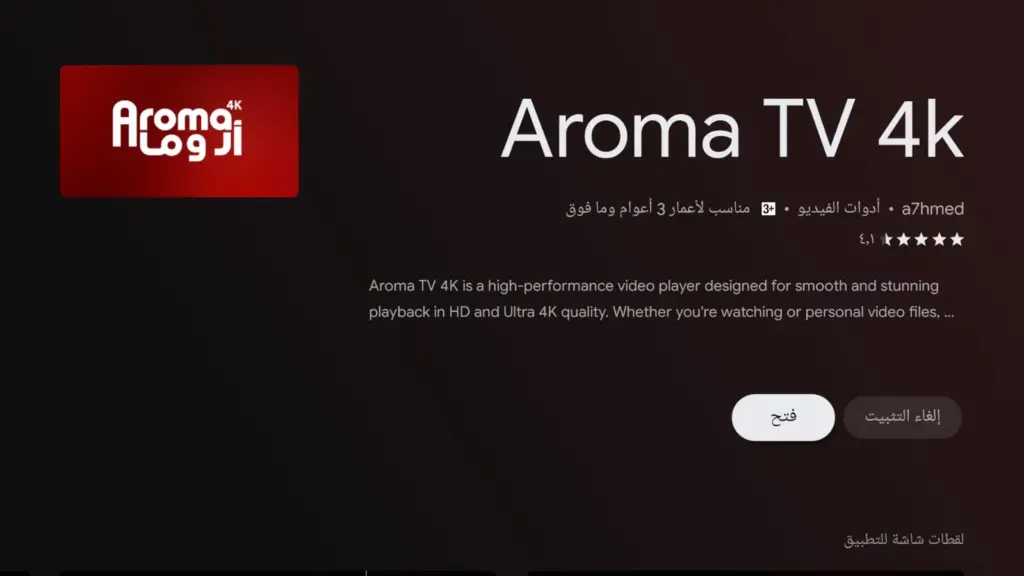
Download the app from your device’s app store. You can also download apps from the Apps page. Open the Apps page and choose the version for your device (Android / iOS / Smart TV), or use the online web player.
Log In and Start Watching
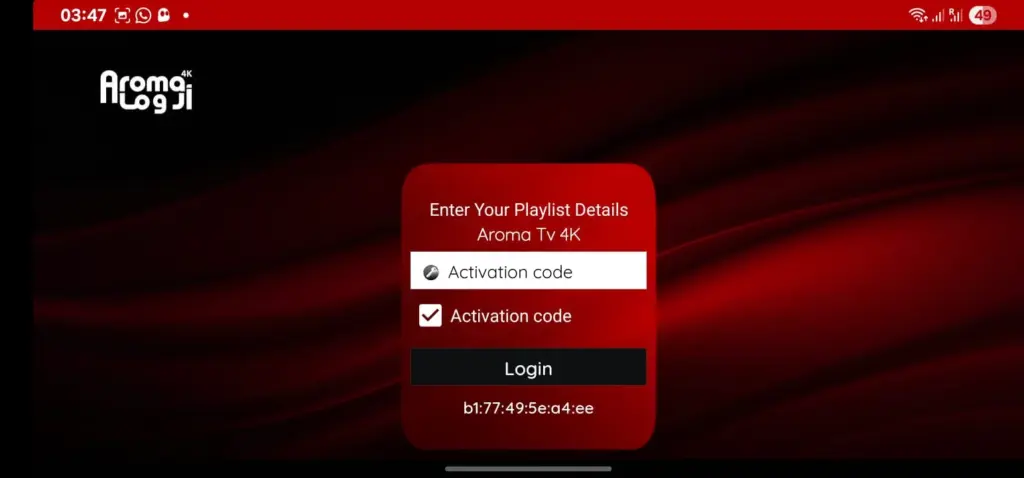
Open the app → Login / Add Playlist → Enter your details → Log in.


Ready to Start Using Your Aroma Subscription?
After completing your purchase, your login details will be delivered instantly. Choose the right app for your device, enter your details inside the app, and enjoy a smooth and high-quality viewing experience.
Supports Android / iOS / Smart TV / TV Box / Web Player — choose the best option for you and start immediately.
If you face any issue, our support team will help you step by step عبر واتساب.
After purchase, your subscription details will be sent to your My Orders page and your email without delay.
How to Use Your Subscription on iPhone / iPad / Apple TV
You can easily use your Aroma subscription on Apple devices through the appropriate app. After purchase, your subscription details will be sent to your My Orders page and to your email, then you can enter them into the app and start watching.
Setup Steps for Apple Devices
This guide is suitable for iPhone, iPad, and Apple TV, with only a slight difference in where the app is downloaded.
Download the App from the App Store
Open the App Store on your device, then download the appropriate app whether you are using iPhone, iPad, or Apple TV.
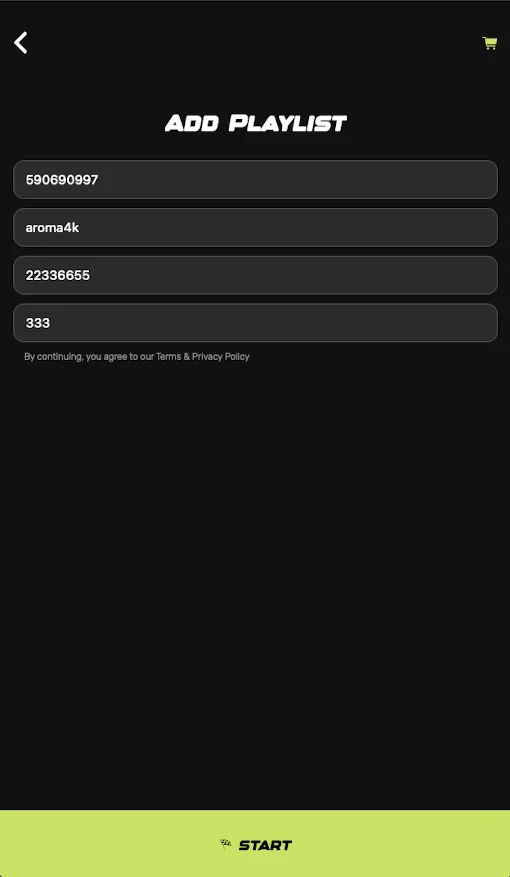
Open the App and Select Add Playlist
After launching the app, choose Add Playlist or Login so you can begin entering your subscription details.
Enter Your Subscription Details
Enter the playlist name, Username, Password, and Server / Host exactly as received in your order details.
Press Start and Begin Watching
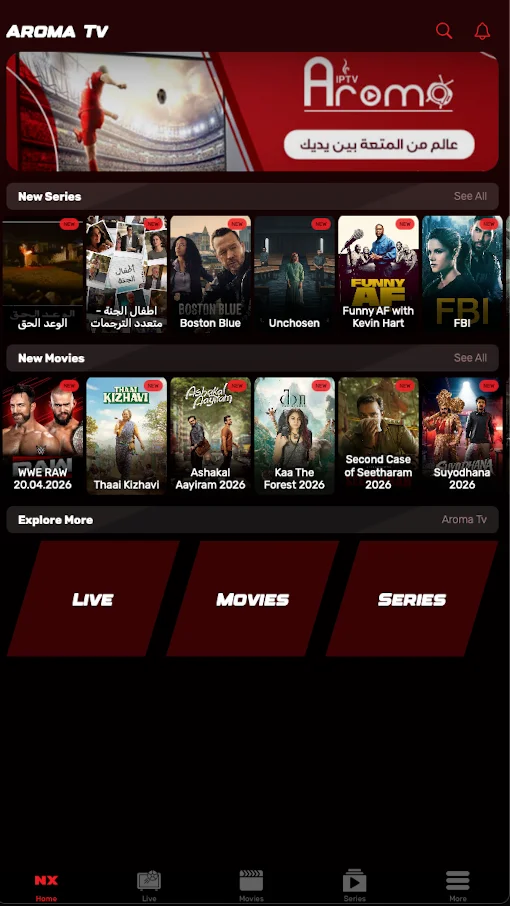
After logging in, sections such as Live, Movies, and Series will appear, and you can start watching immediately.

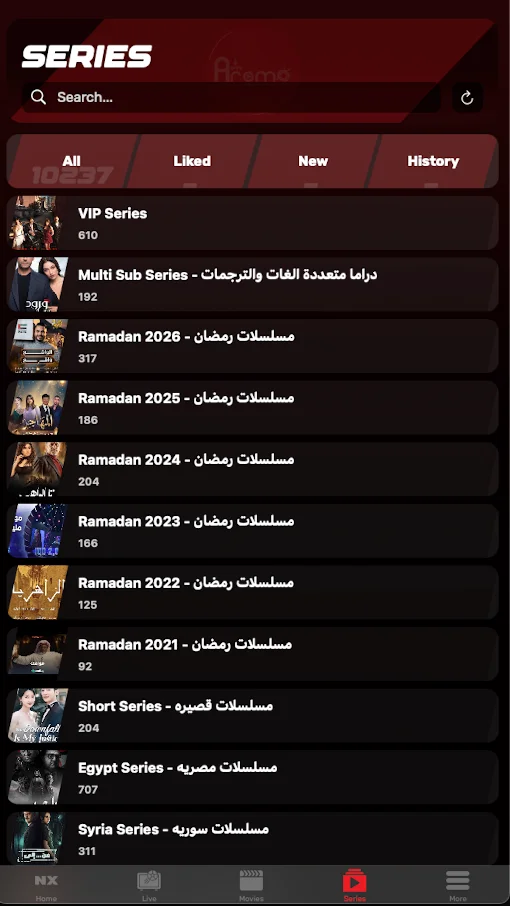
How to Use Your Subscription on Windows / Mac
You can use your Aroma subscription on desktop in two ways: through the online web player or through the appropriate app on Windows or Mac.
Setup Steps for Desktop
If you want the fastest method, the best option is to use the online web player. You can also use the app if you prefer.
Open the Web Player or the App
You can open the online web player directly or launch the appropriate app on your device.
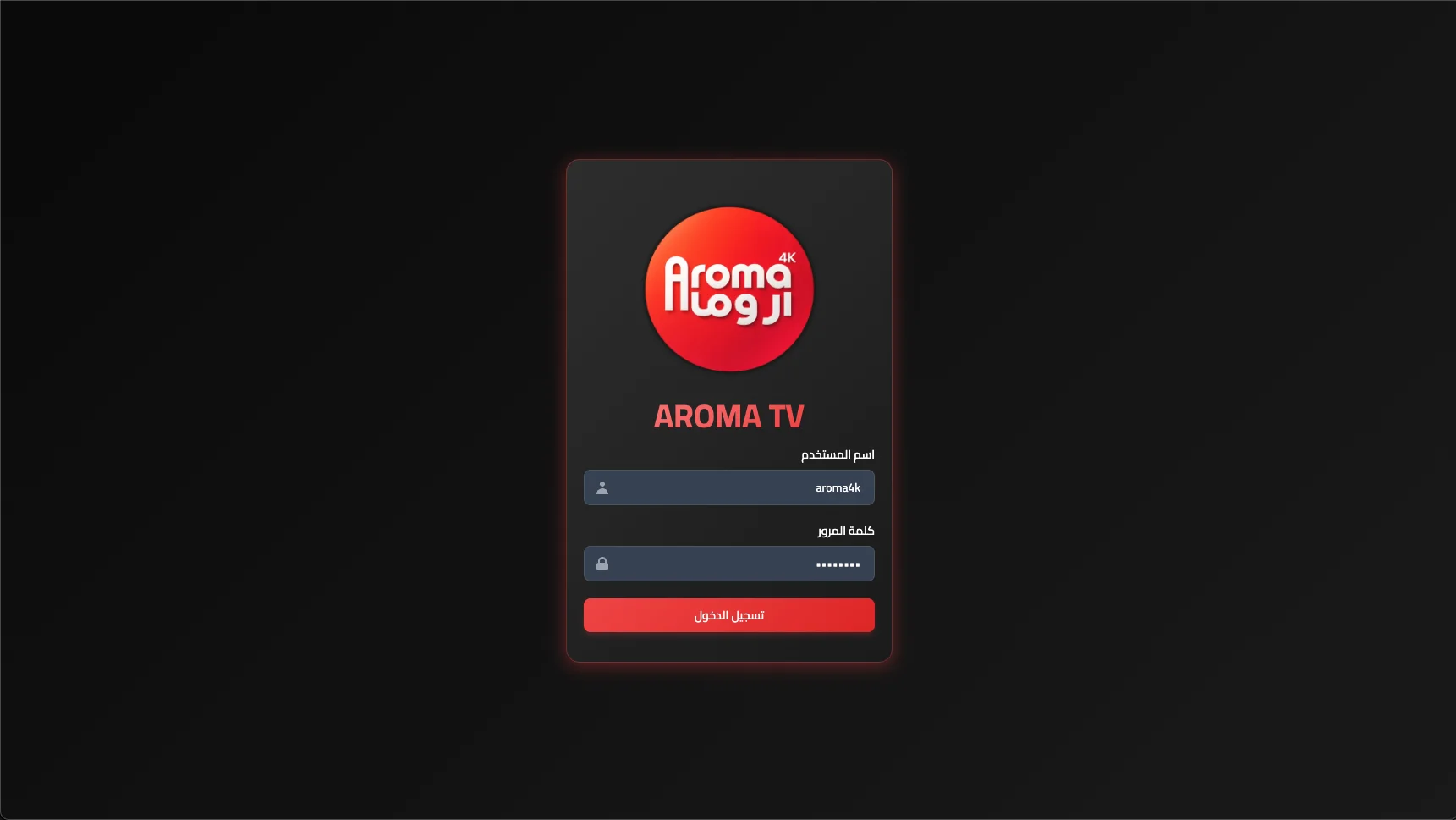
Log In with Your Subscription Details
Enter your Username, Password, and login details exactly as received in your My Orders page or in your email.
Choose the Section You Want
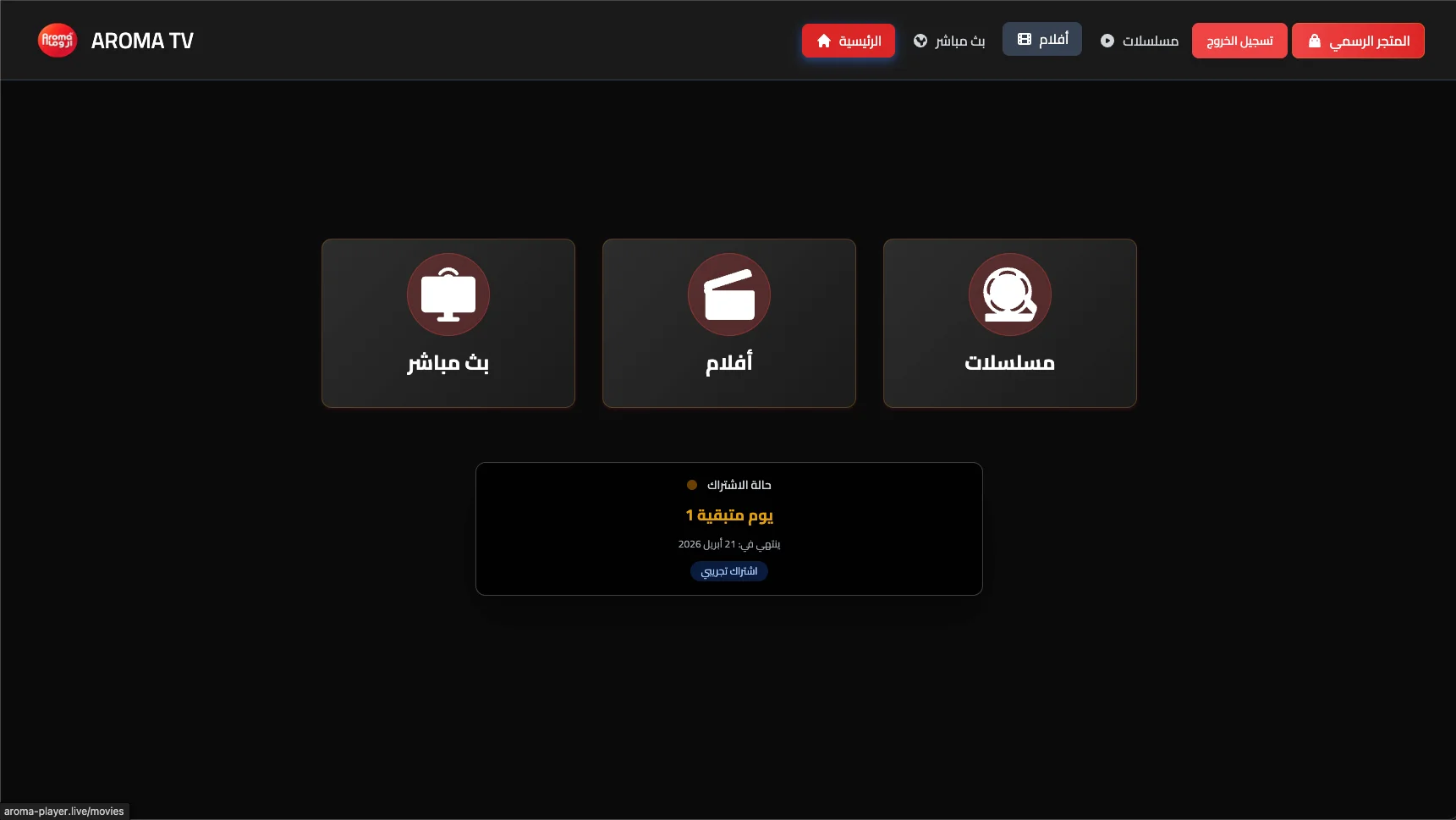
After logging in, you can go directly to Live TV, Movies, or Series depending on what you want to watch.
Start Watching Easily
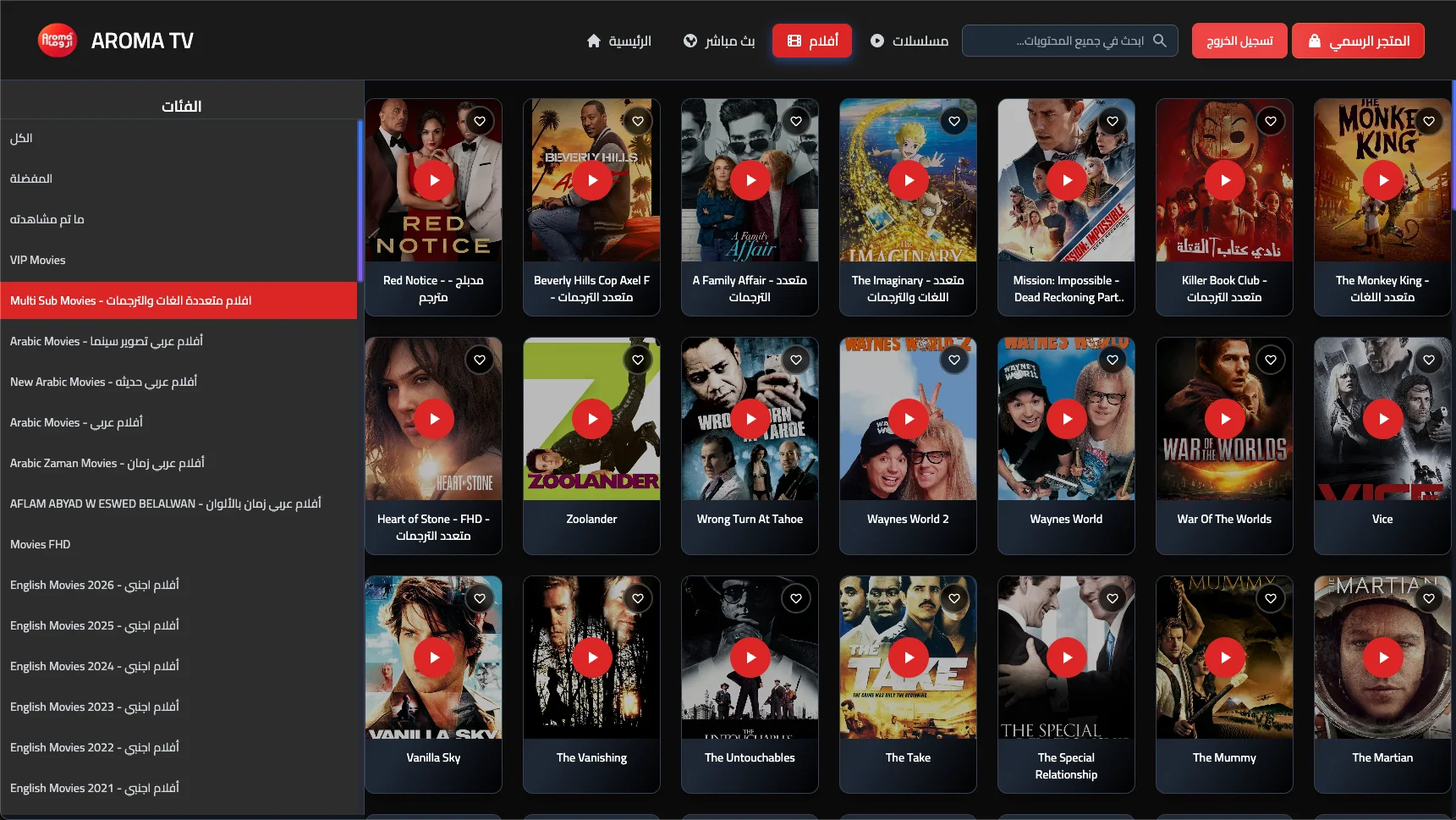
As soon as you log in, the channels, categories, and content will appear, and you can begin watching right away.
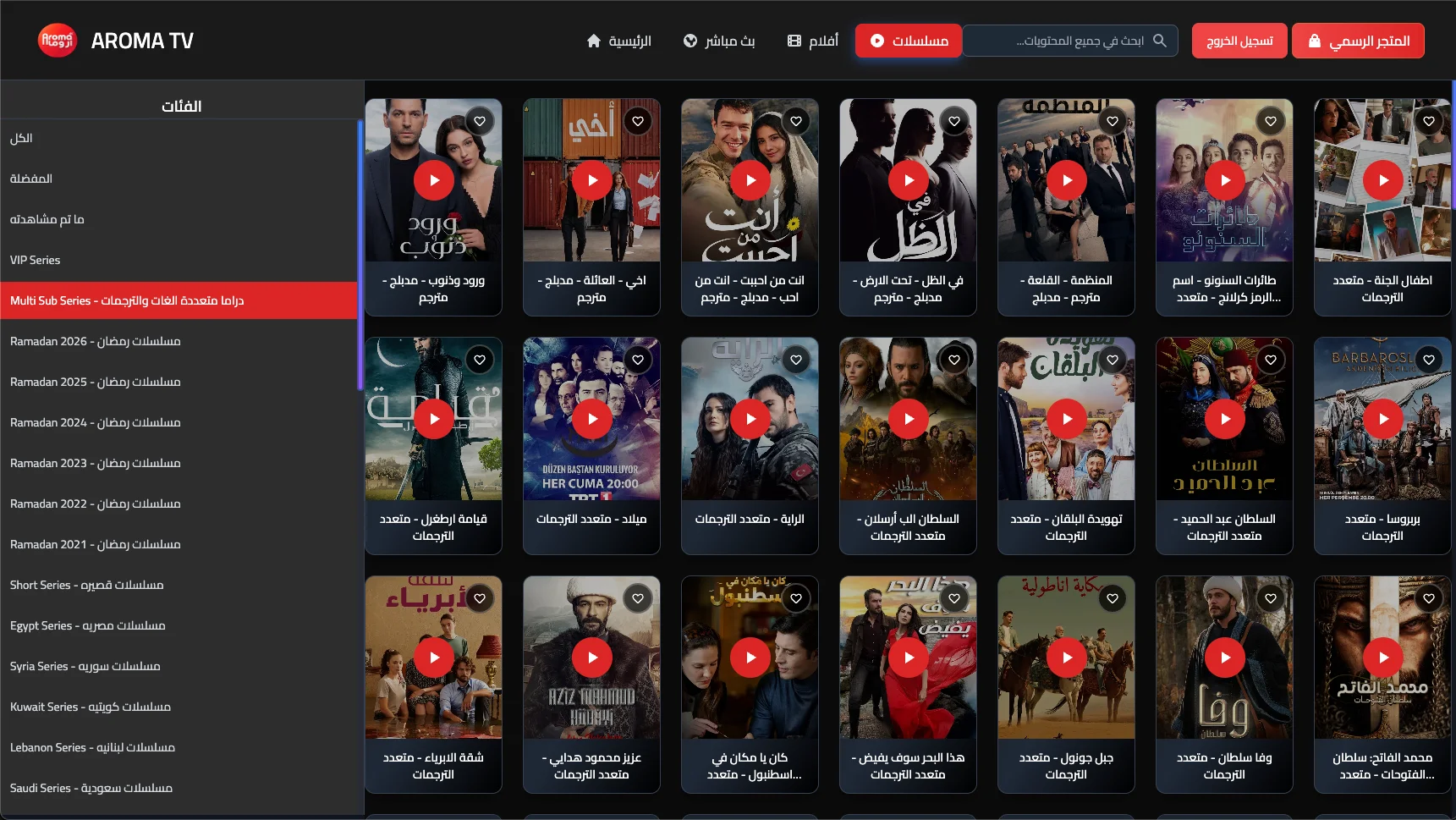
How to Use Aroma on Samsung & LG TVs
You can download any of the following apps and start using your AROMA TV subscription directly after entering your details.
Supports running your AROMA TV subscription using username, password, and host.
Works very efficiently on smart TVs and can be linked easily with your AROMA TV subscription.
Professional interface and stable support — requires an activation fee.
One of the best apps for customizing channels and creating favorite lists for viewing.